forked from github-starred/komodo

Monitor 🦎
A tool to build and deploy software across many servers. docs
Docs for periphery setup script can be found in scripts/readme.md.
Changelog
v1 (Spring 2024)
-
New resource types:
- Repo: Clone / pull configured repositories on desired Server. Run shell commands in the repo on every clone / pull to acheive automation. Listen for pushes to a particular branch to automatically pull the repo and run the command.
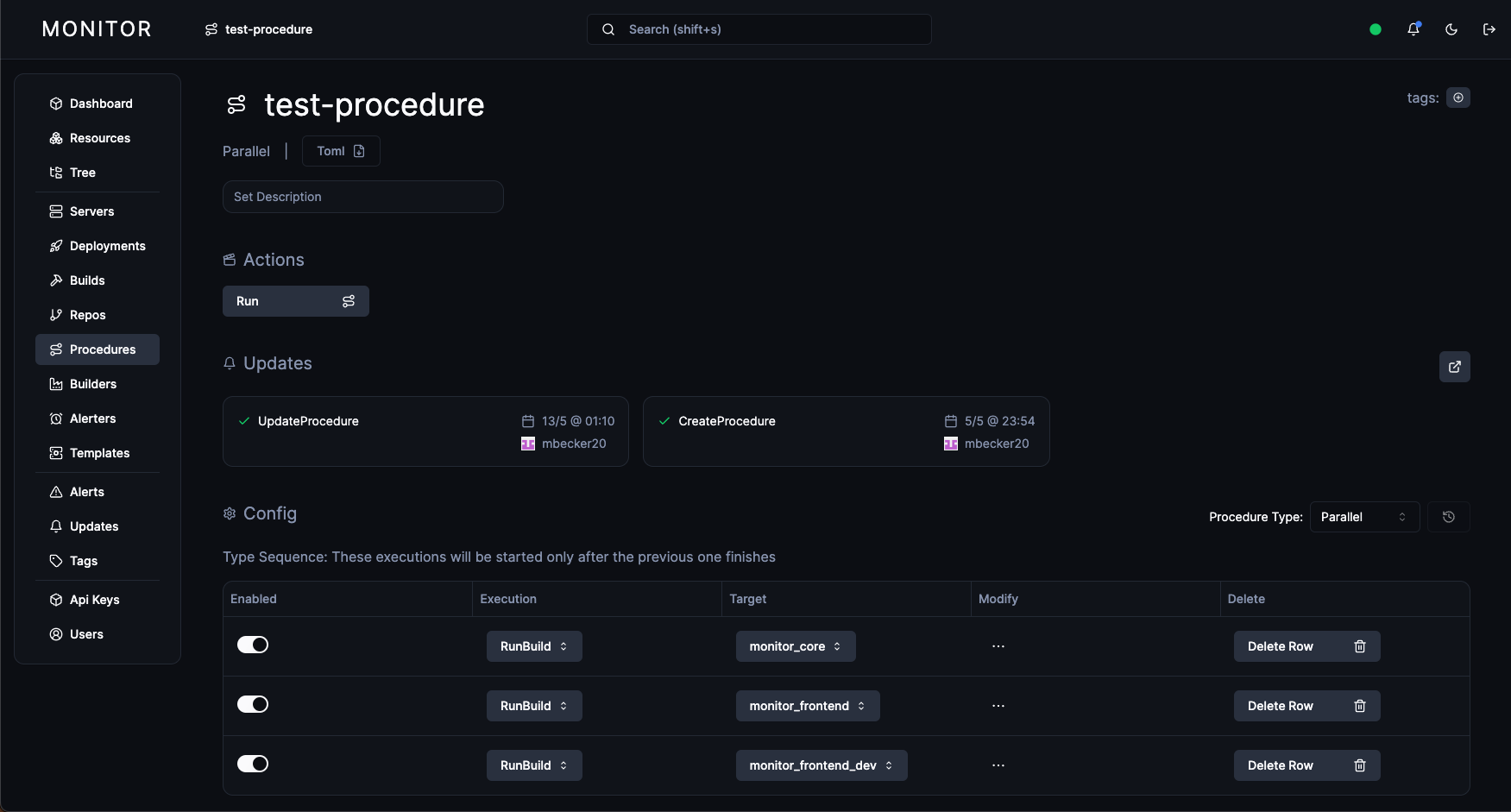
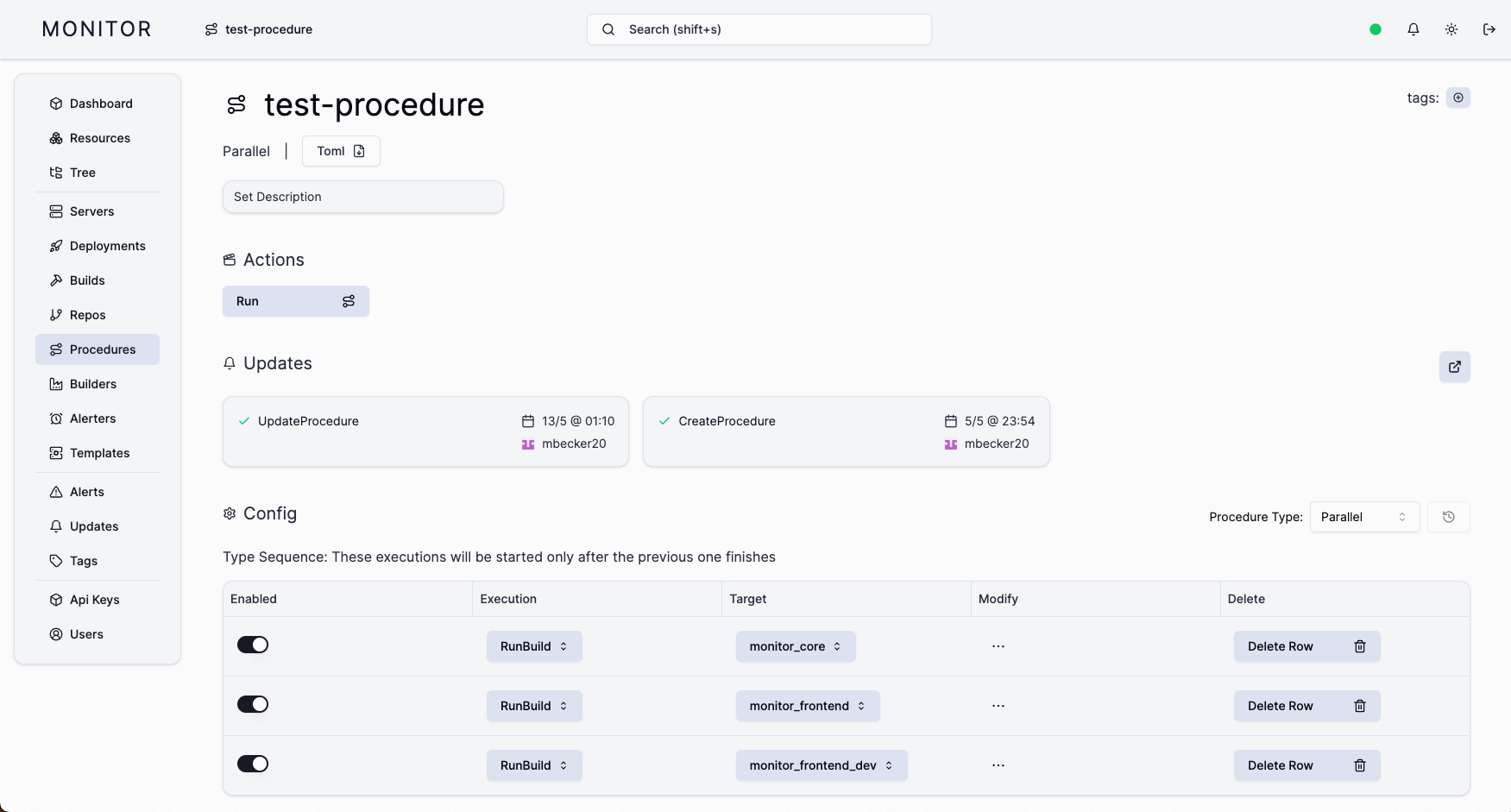
- Procedure: Combine multiple executions (Deploy, RunBuild) and run them in sequence or in parallel. RunProcedure is an execution type, meaning procedures can run other procedures.
- Builder: Ephemeral builder configuration has moved to being an API / UI managed entity for greater observability and ease of management.
- Alerter: Define multiple alerting endpoints and manage them via the API / UI.
- Slack support continues with the Slack Alerter variant.
- Send JSON serialized alert data to any HTTP endpoint with the Custom Alerter variant.
- Template: Define a template for your cloud provider's VM configuration
- Launch VMs based on the template and automatically add them as Monitor servers.
- Supports AWS EC2 and Hetzner Cloud.
-
Resource Tagging
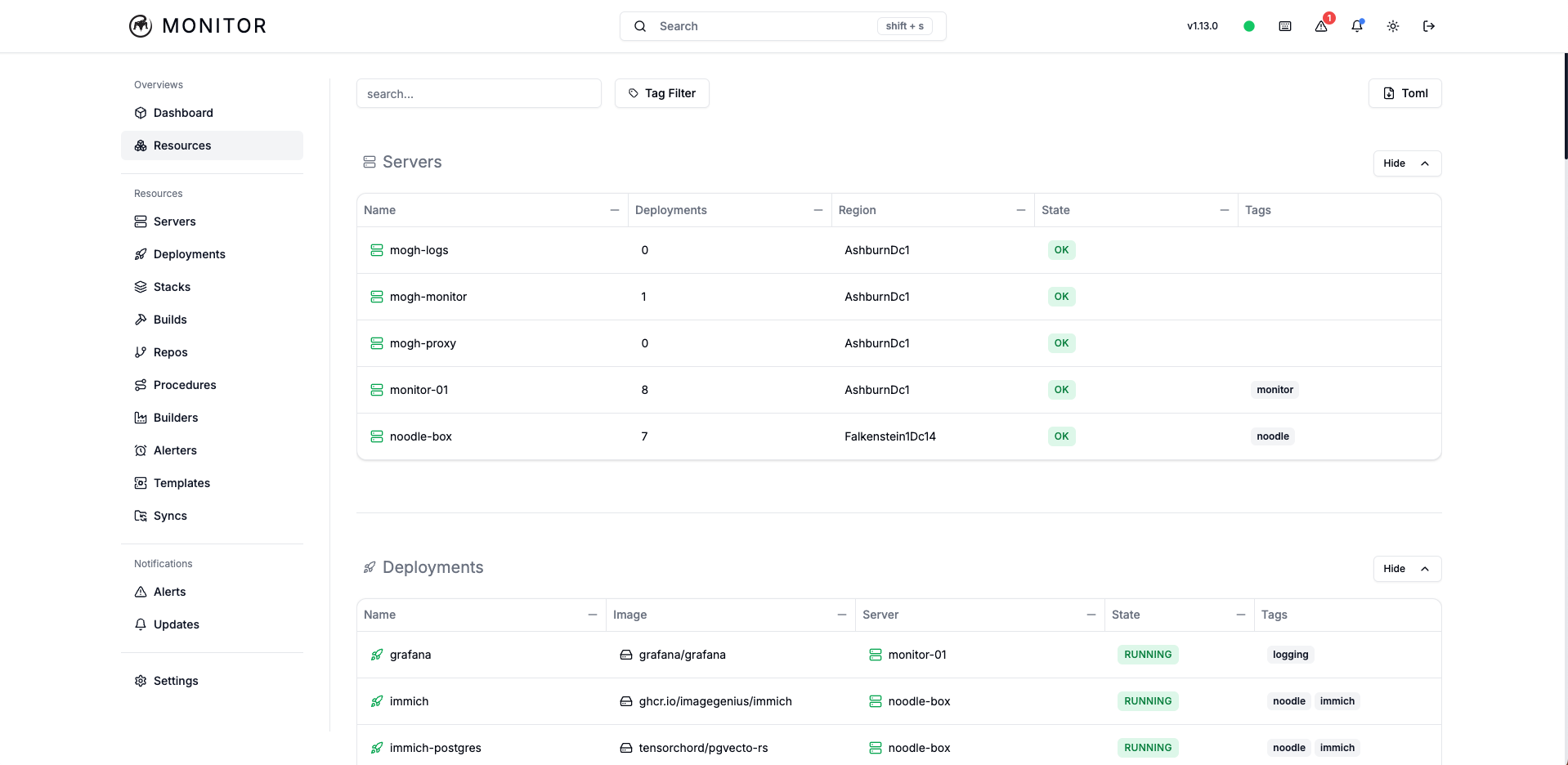
- Attach multiple tags to resources, which can be used to group related resources together. These can be used to filter resources in the UI.
- For example, resources can be given tags for environment, like
Prod,Uat, orDev. This can be combined with tags for the larger system the resource is a part of, such asAuthentication,Logging, orMessaging. - Proper tagging will make it easy to find resources and visualize system components, even as the number of resources grows large.
-
Variables
- Manage global, non-secret key-value pairs using the API / UI.
- These values can be interpolated into deployment
environmentsand buildbuild_args
-
Core Accounts and Secrets
- Docker / Github accounts and Secrets can now be configured in the Core configuration file.
- They can still be added to the Periphery configuration as before. Accounts / Secrets defined in the Core configuration will be preferentially used over like ones defined in Periphery configuration.
-
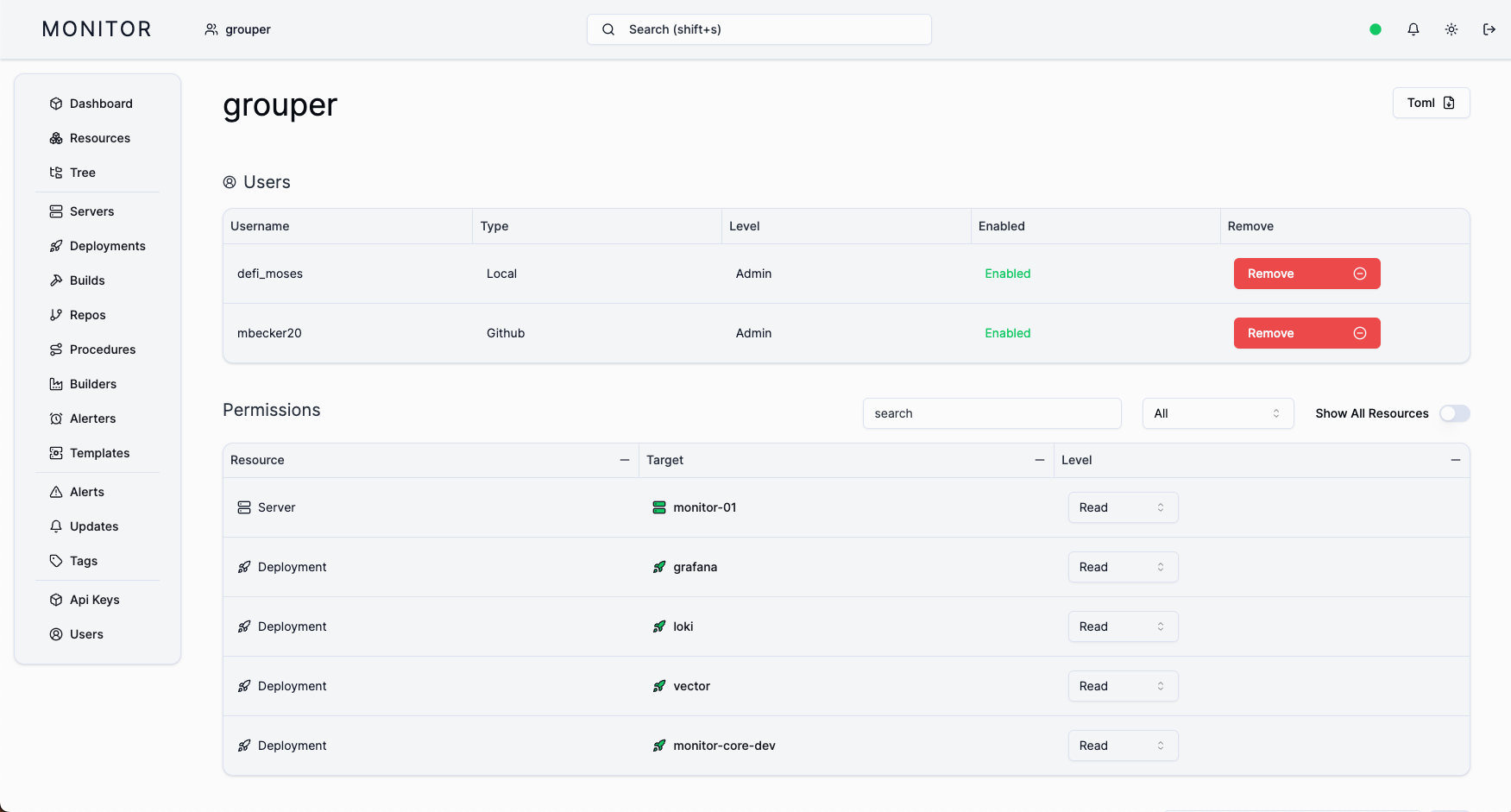
User Groups
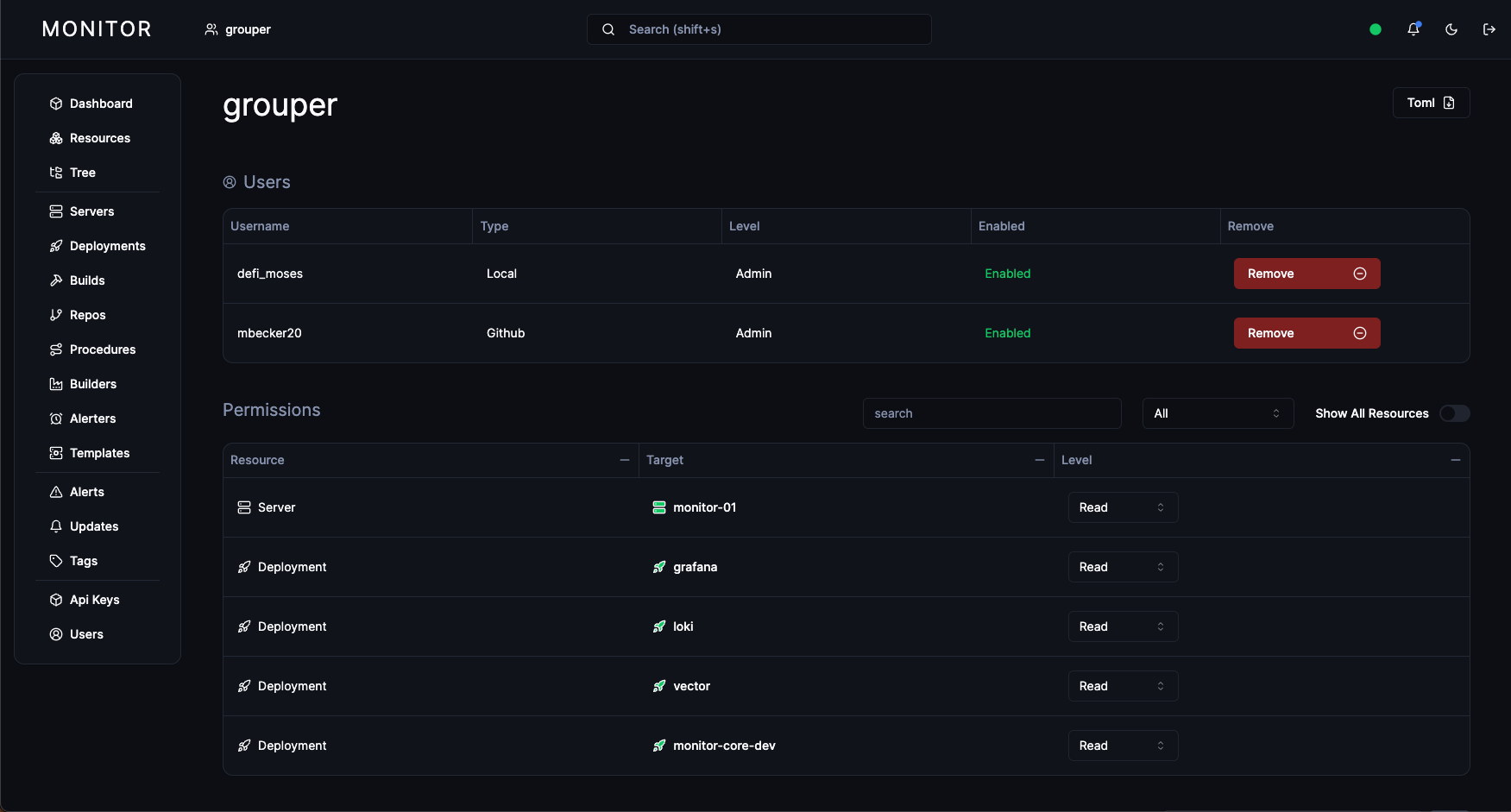
- Admins can now create User Groups and assign permissions to them as if they were a user.
- Multiple users can then be added to the group, and a user can be added to multiple groups.
- Users in the group inherit the group's permissions.
-
Monitor CLI + Sync
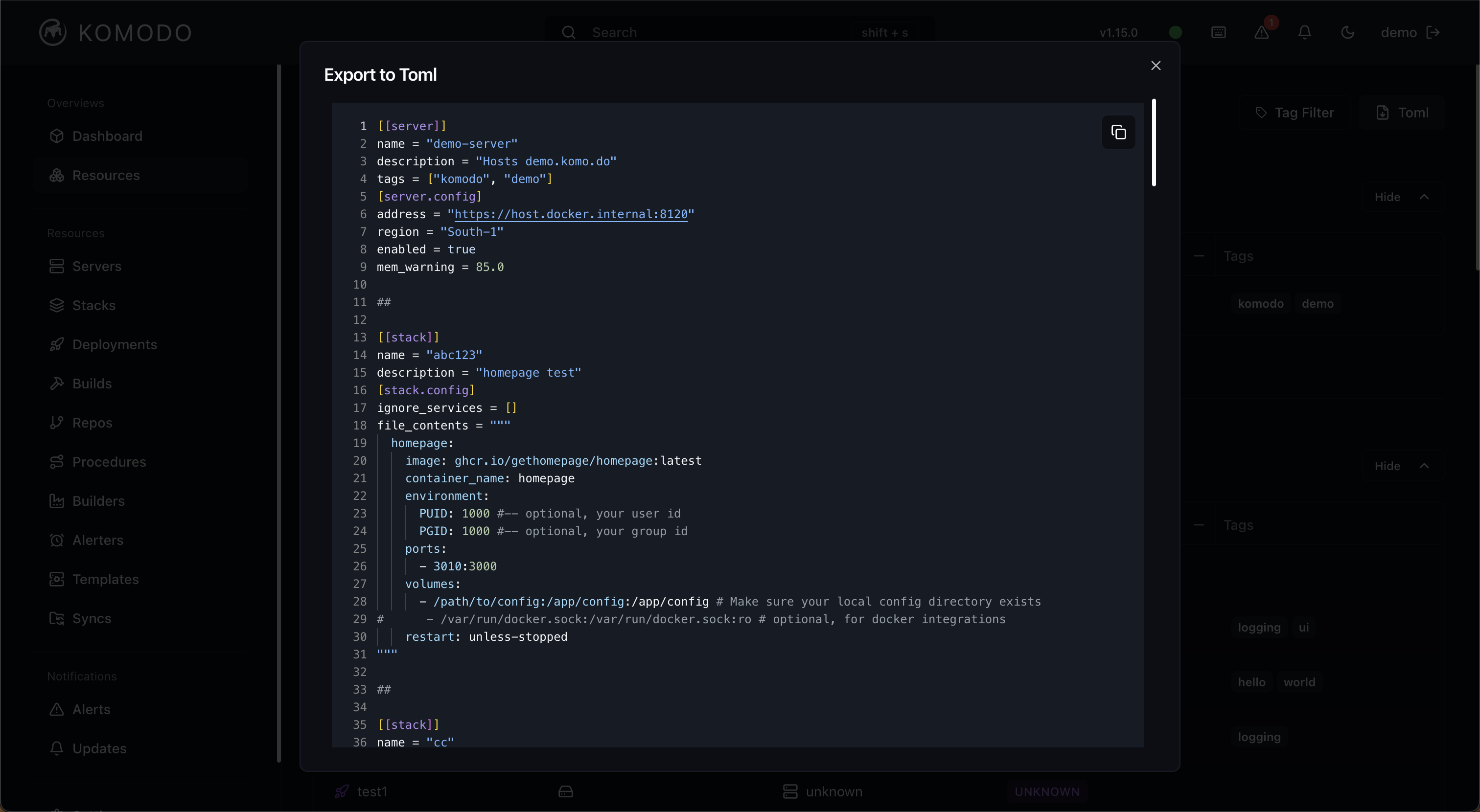
- Introduces the monitor cli, which can sync resources declared across multiple toml files.
- Implements granular diffing of local and remote resources, producing detailed logs of the changes which will be made before user confirm.
- Resource files can be checked into git and managed via PR, enabling easy scaling even with large numbers of resources.
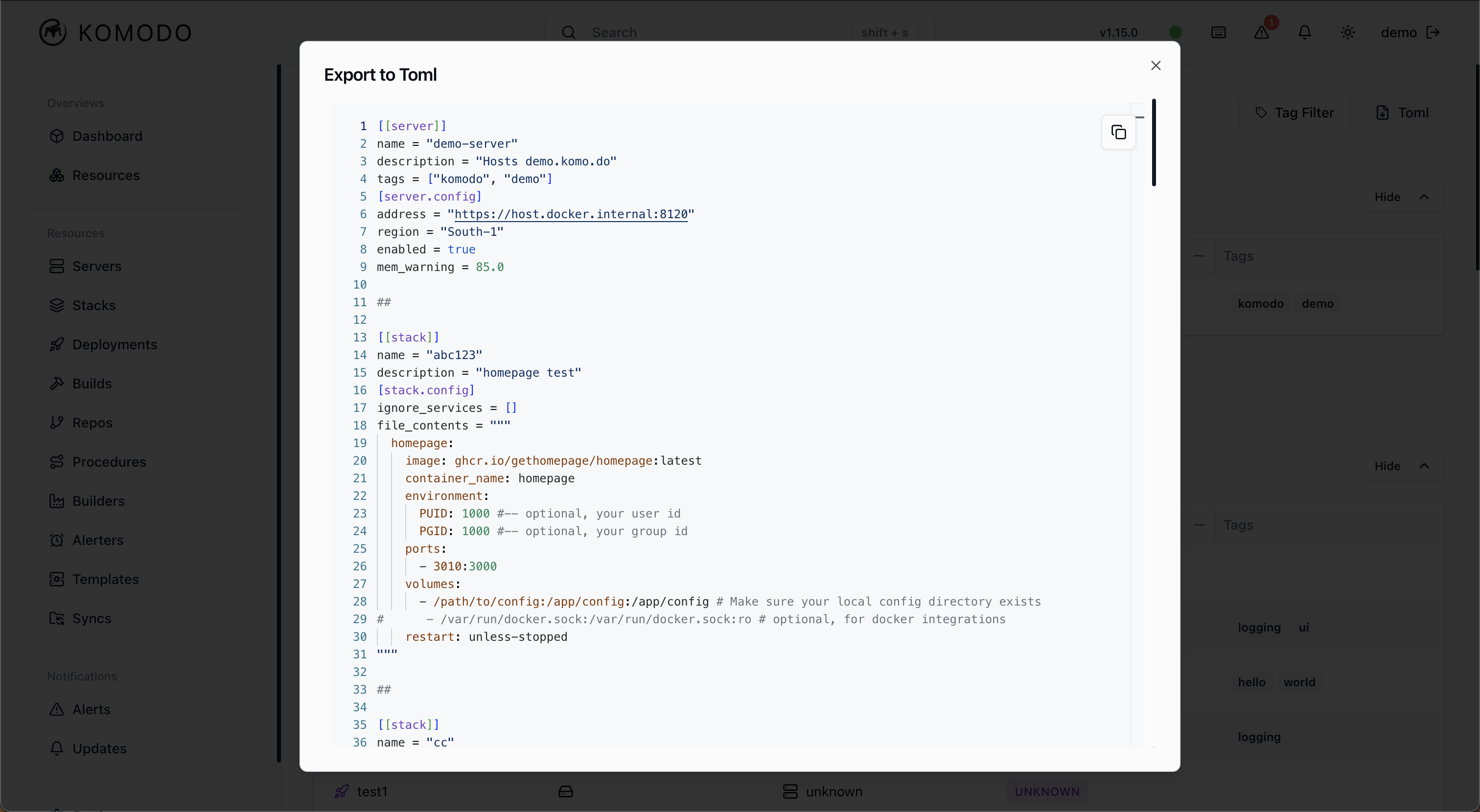
- All UI resources include button to export the resource to TOML for easy addition to your resource file. There is also a button to export all resources to make the move to file managed resources.
-
Builds
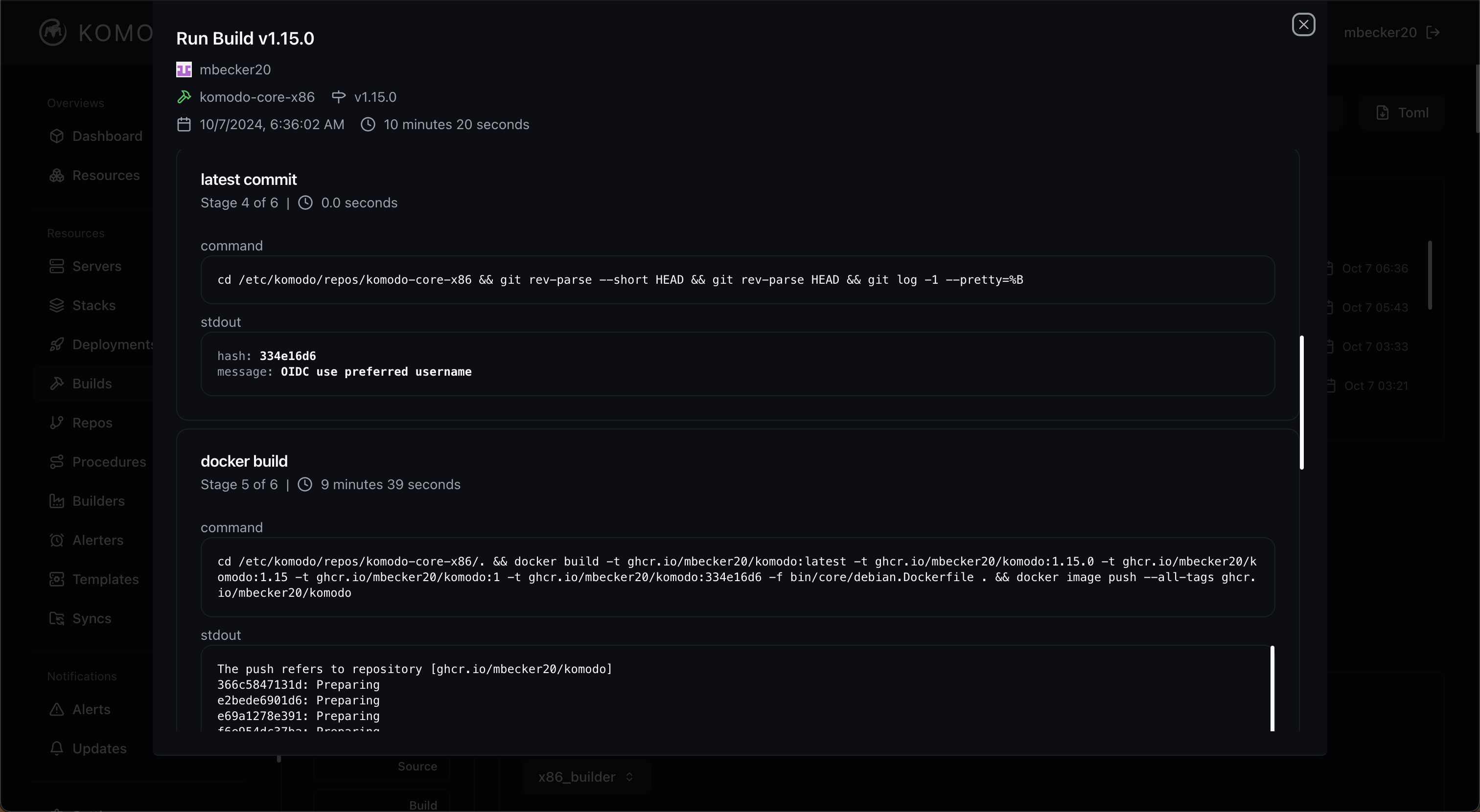
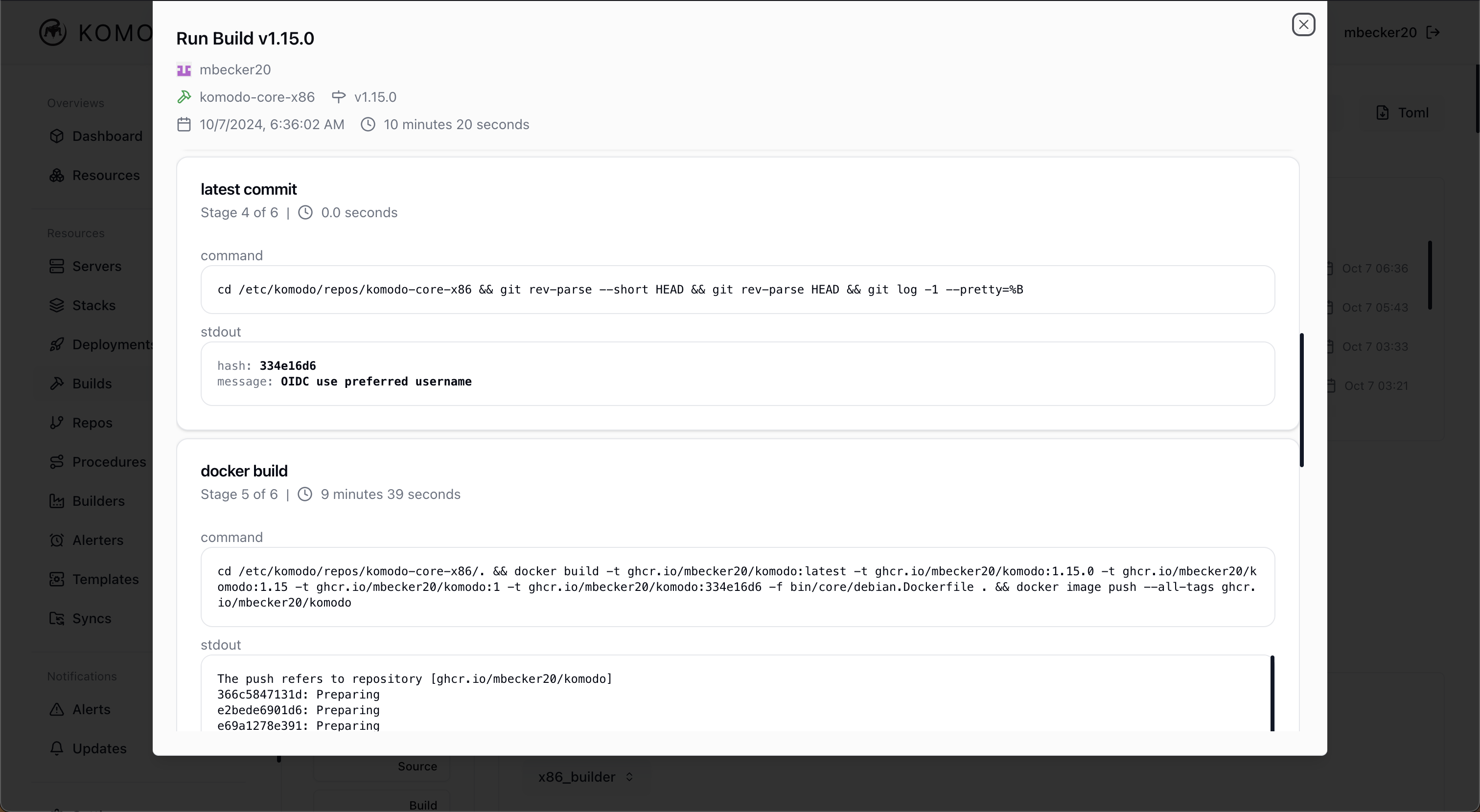
- Build log displays the latest commit hash and message.
- In-progress builds are able to be cancelled before completion.
- Specify a specific commit hash to build from.
-
Deployments
- Filter log lines using multiple search terms.
-
Alerting
- The alerting system has been redesigned with a stateful model.
- Alerts can be in an Open or a Resolved state, and alerts are only sent on state changes.
- For example, say a server has just crossed 80% memory usage, the configured memory threshold. An alert will be created in the Open state and the alert data will be sent out. Later, it has dropped down to 70%. The alert will be changed to the Resolved state and the alert data will again be sent.
- In addition to server usage alerts, Monitor now supports deployment state change alerts. These are sent when a deployment's state changes without being caused by a Monitor action. For example, if a deployment goes from the Running state to the Exited state unexpectedly, say from a crash, an alert will be sent.
- Current and past alerts can be retrieved using the API and viewed on the UI.
-
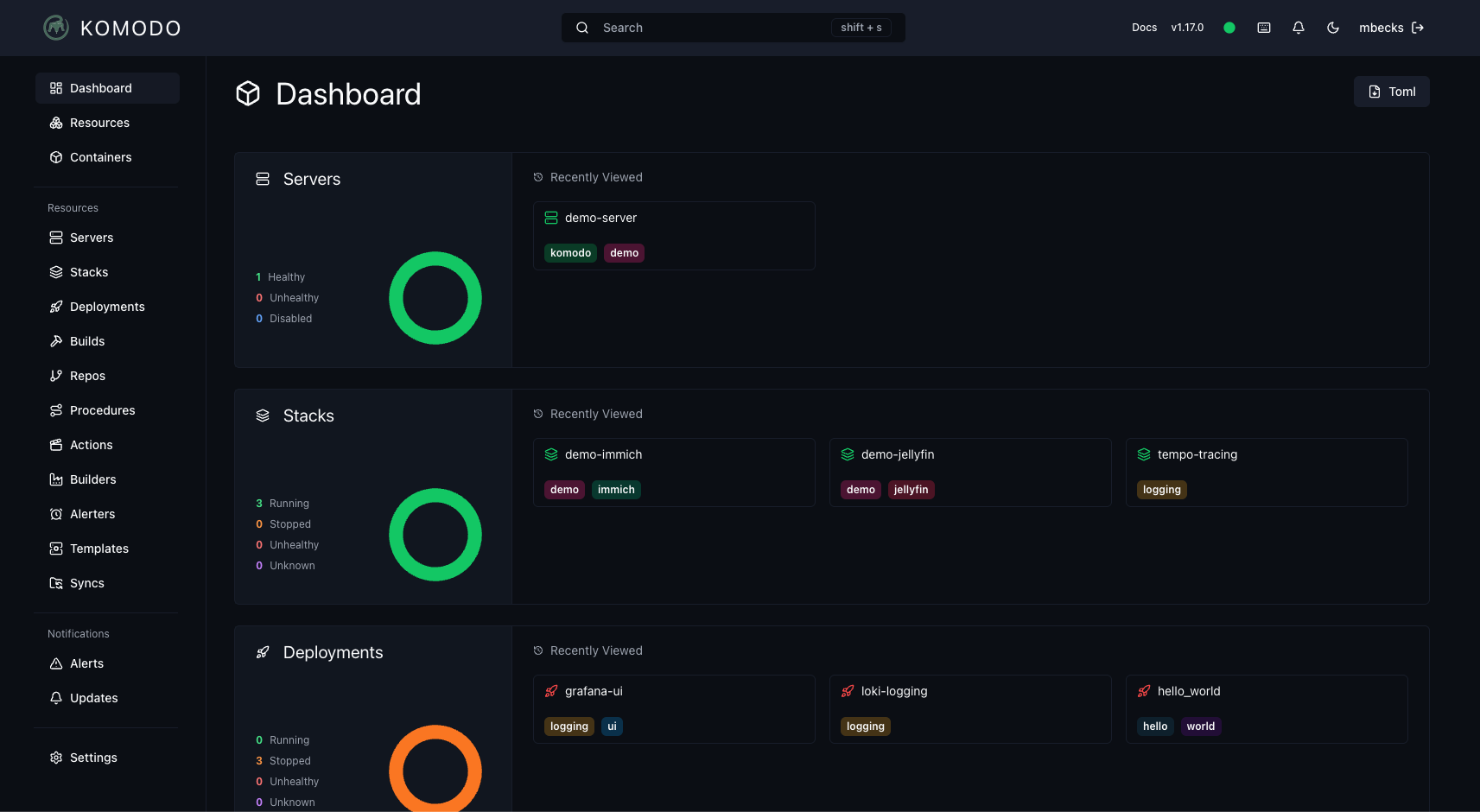
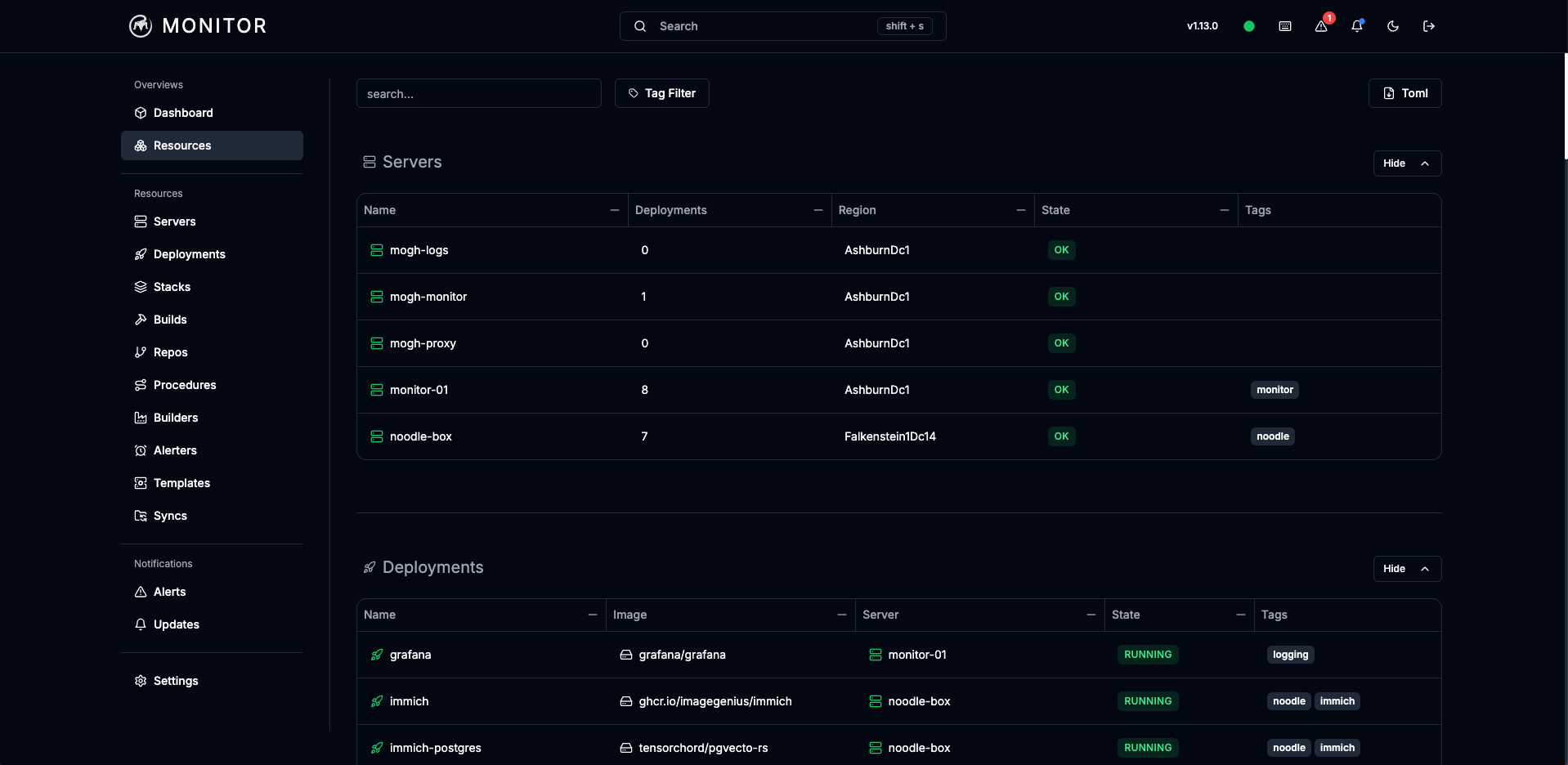
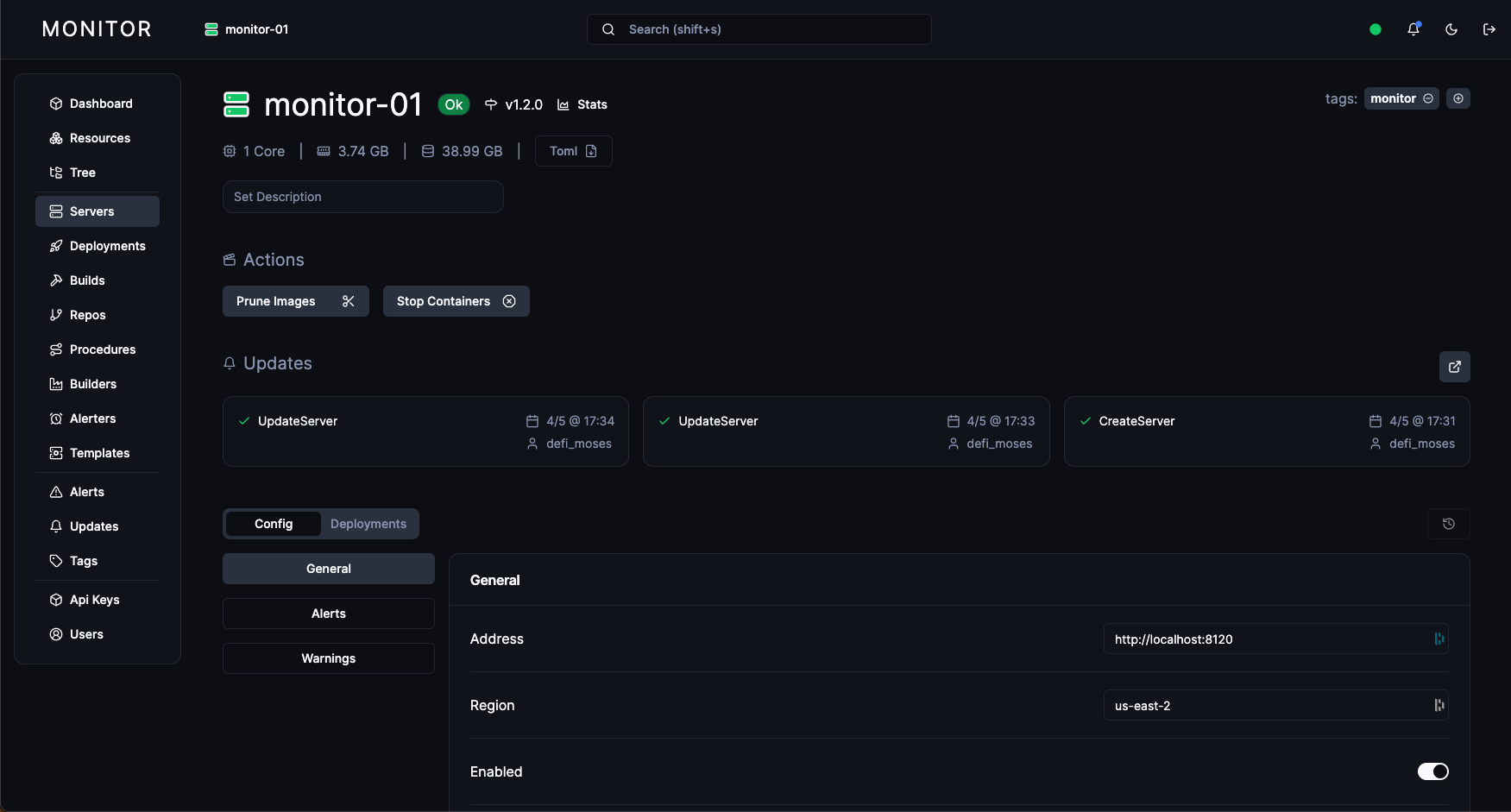
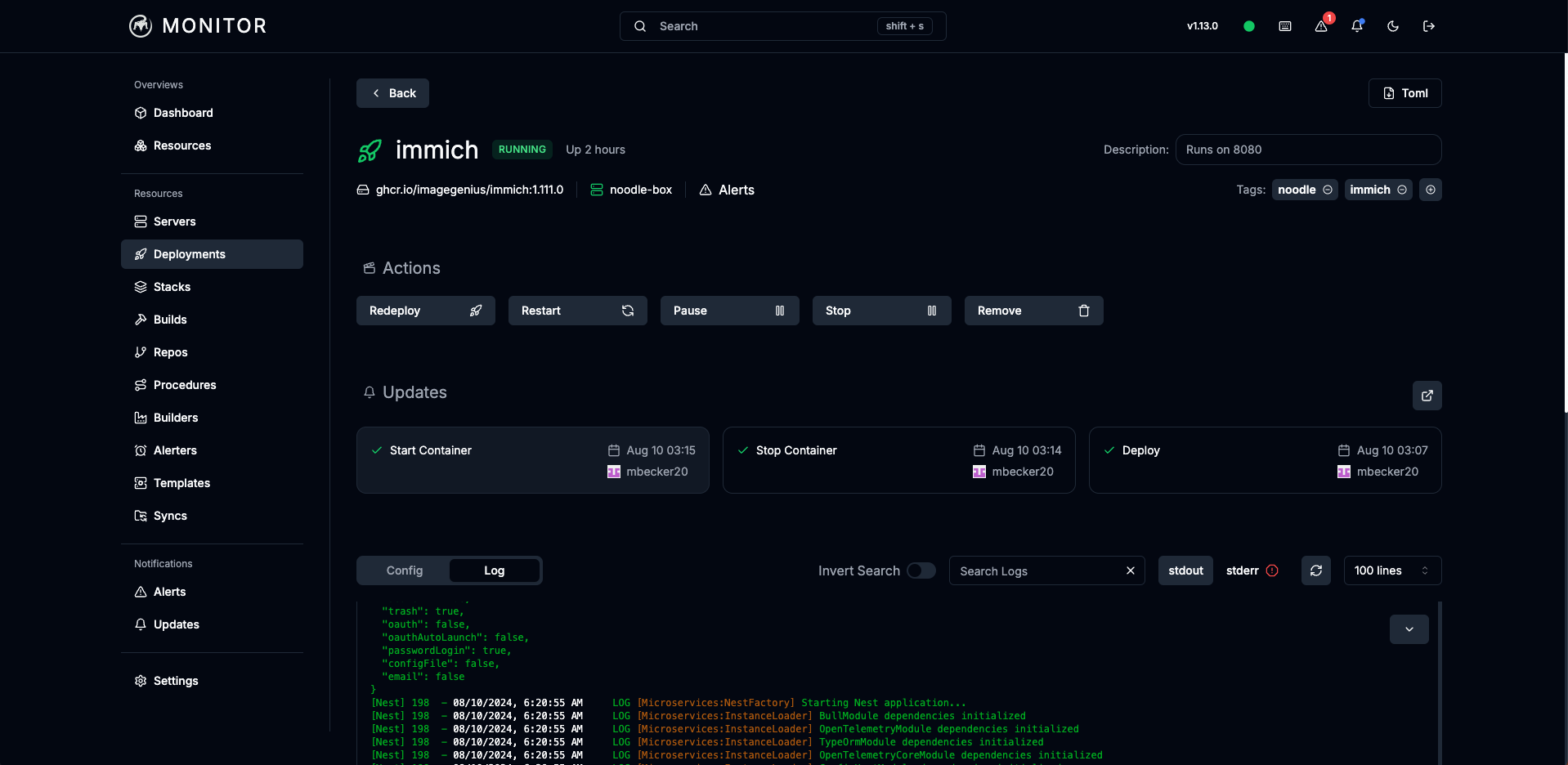
New UI:
- The Monitor UI has been revamped to support the new features and improve the user experience.
v0 (Winter 2022)
- Move Core and Periphery implementation to Rust.
- Add AWS Ec2 ephemeral build instance support.
- Configuration added to core configuration file.
- Automatic build versioning system, supporting image rollback.
- Realtime and historical system stats - CPU, memory, disk.
- Simple stats alerting based on out-of-bounds values for system stats.
- Support sending alerts to Slack.
Pre-versioned releases
- Defined main resource types:
- Server
- Deployment
- Build
- Basics of Monitor:
- Build docker images from Github repos.
- Manage image deployment on connected servers, see container status, get container logs.
- Add account credentials in Periphery configuration.
- Core and Periphery implemented in Typescript.
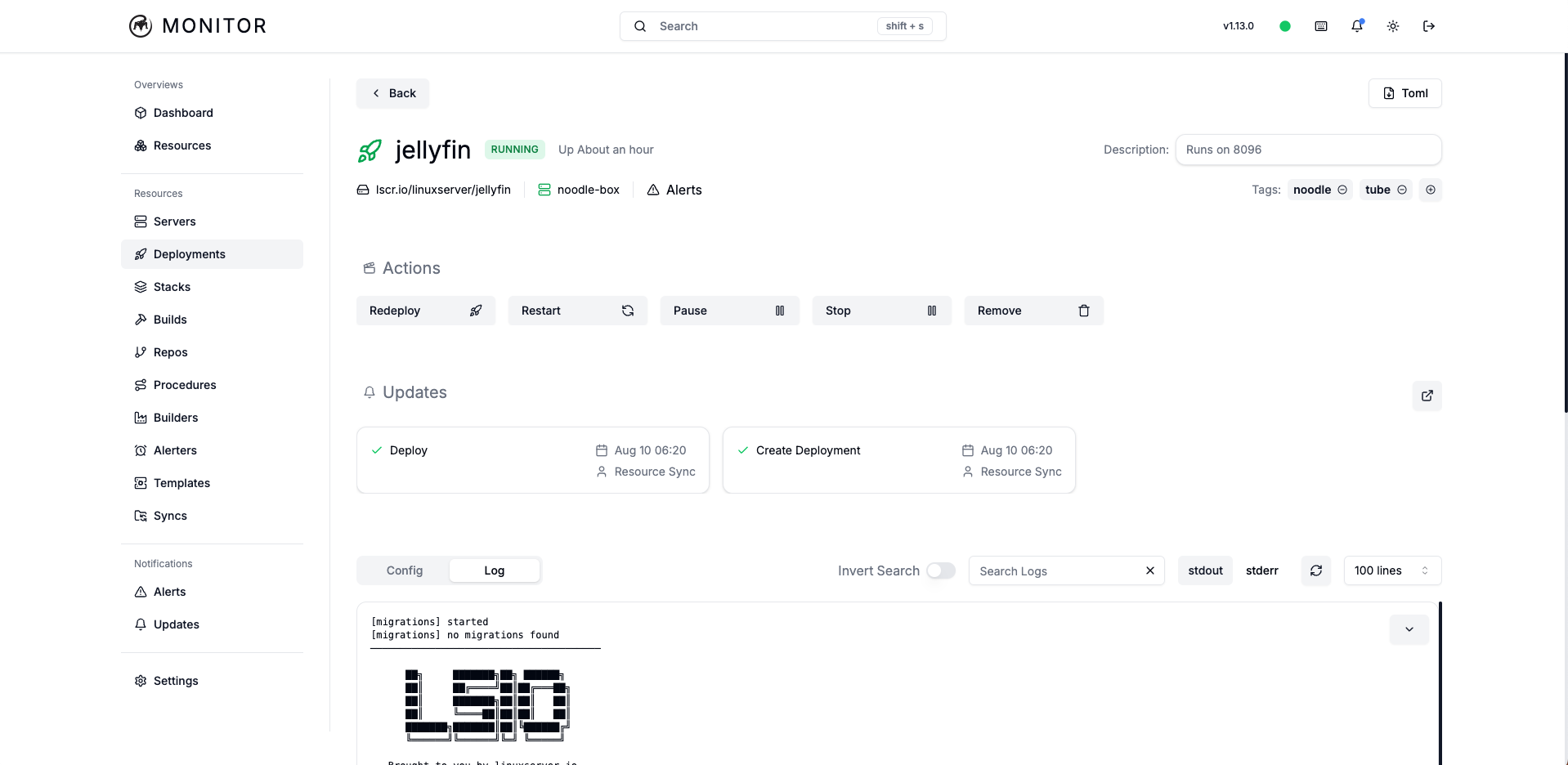
Screenshots
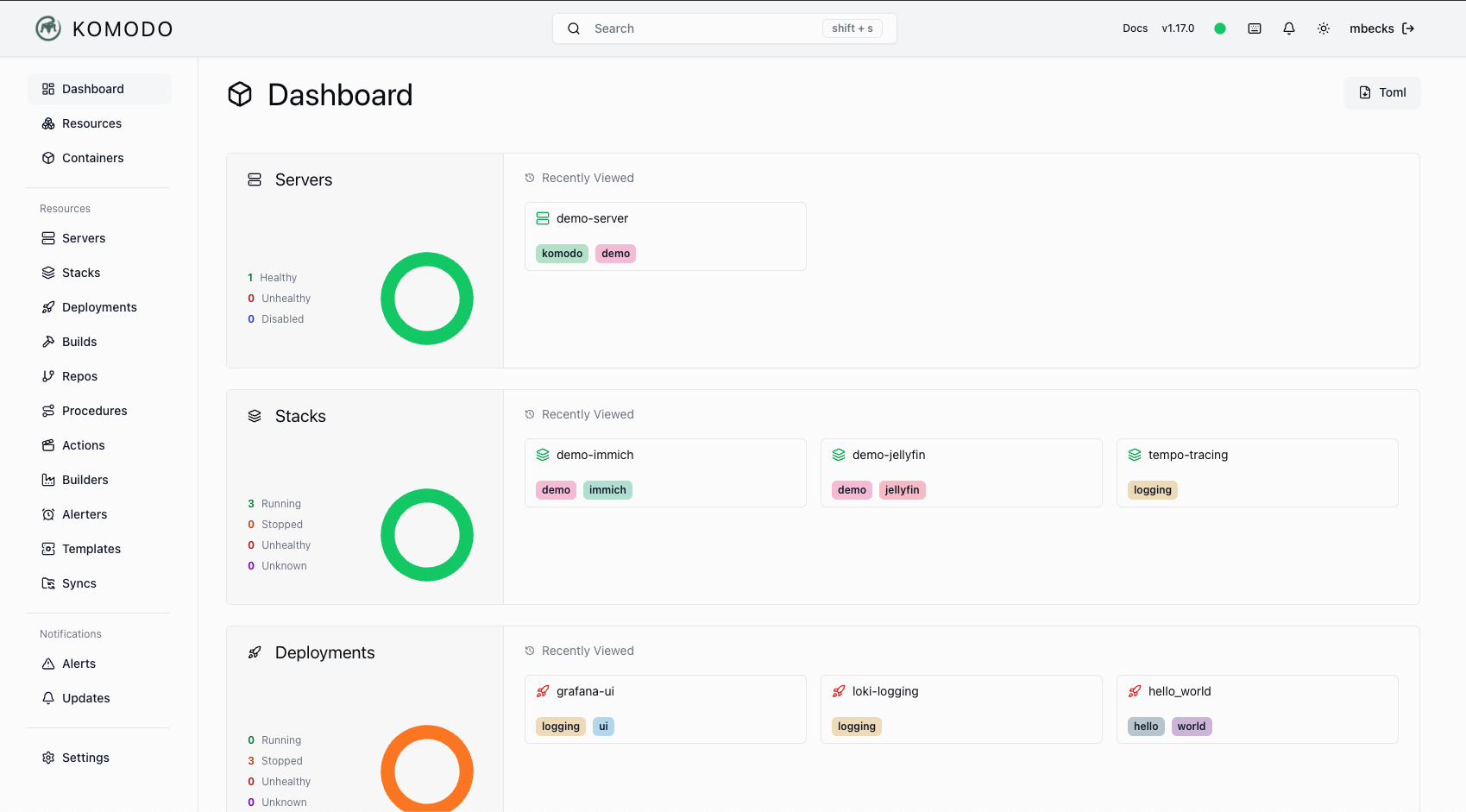
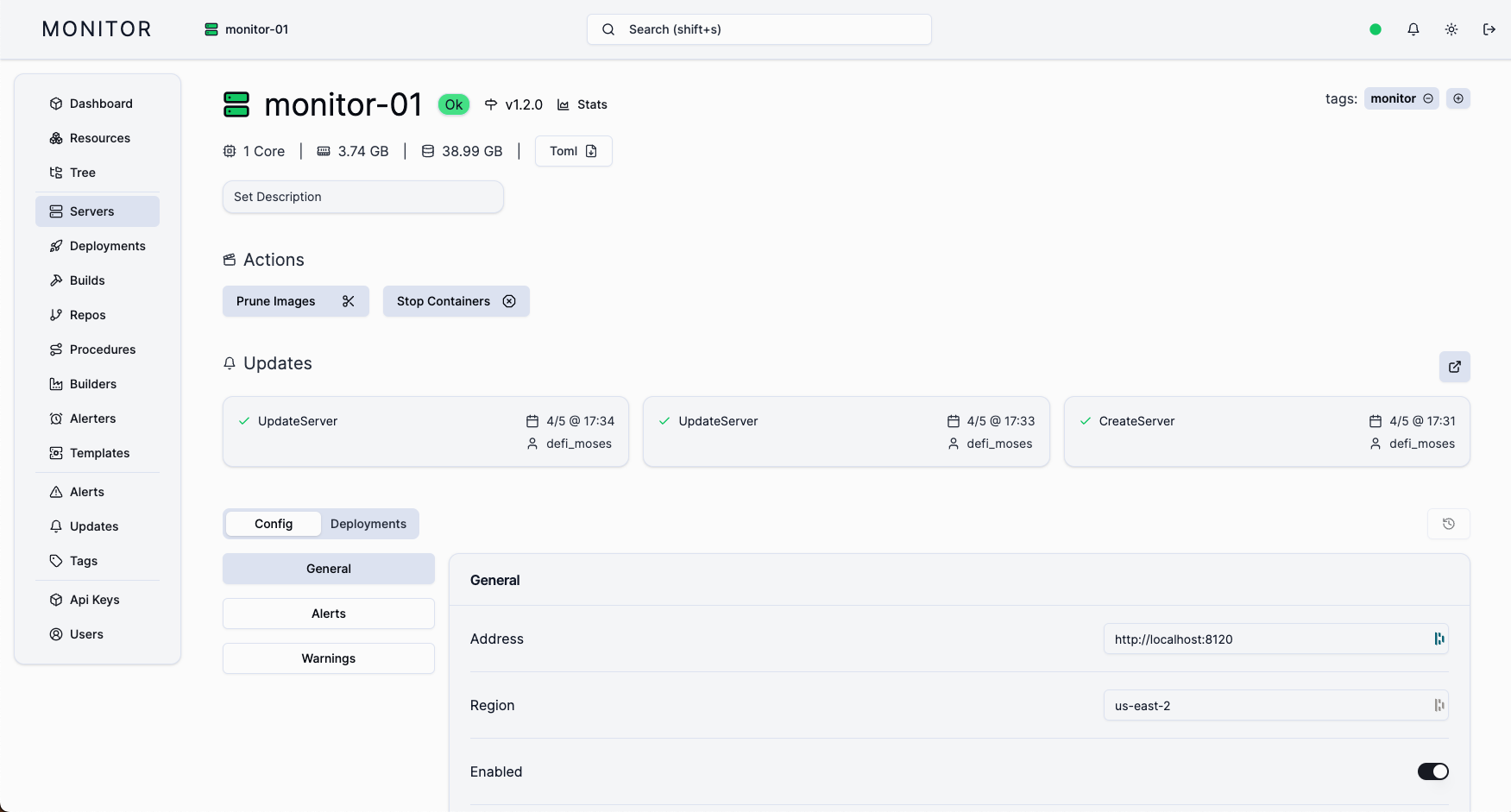
Light Theme
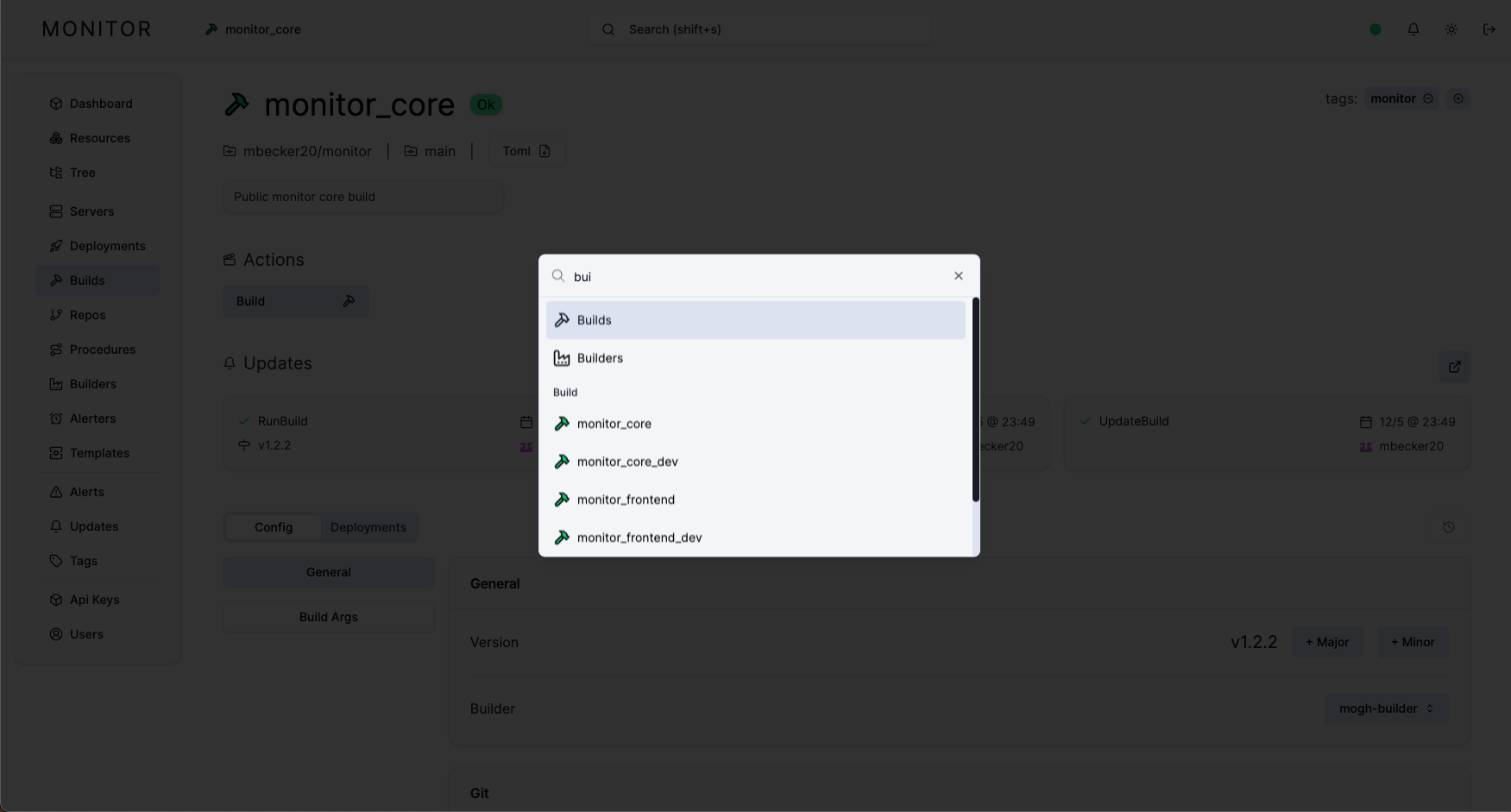
Dark Theme