mirror of
https://github.com/dani-garcia/vaultwarden.git
synced 2026-07-16 08:54:01 -05:00
Running with Docker under NGINX Proxy results in malformed webpage #4571

No Assignees

Notifications
Due Date
No due date set.
Dependencies
No dependencies set.
Reference: github-starred/vaultwarden#4571
Reference in New Issue
Block a user
Delete Branch "%!s()"
Deleting a branch is permanent. Although the deleted branch may continue to exist for a short time before it actually gets removed, it CANNOT be undone in most cases. Continue?
Originally created by @hwittenborn on GitHub (Feb 11, 2021).
Subject of the issue
As per the title, I'm trying to run the docker image for bitwarden_rs, with request being brought from an NGINX reverse proxy. When accessing the page from the proxy, several details are missing, but if I do a direct connect to the container via it's published port, it looks just fine.
Your environment
Images:

NGINX:
Directly to container:
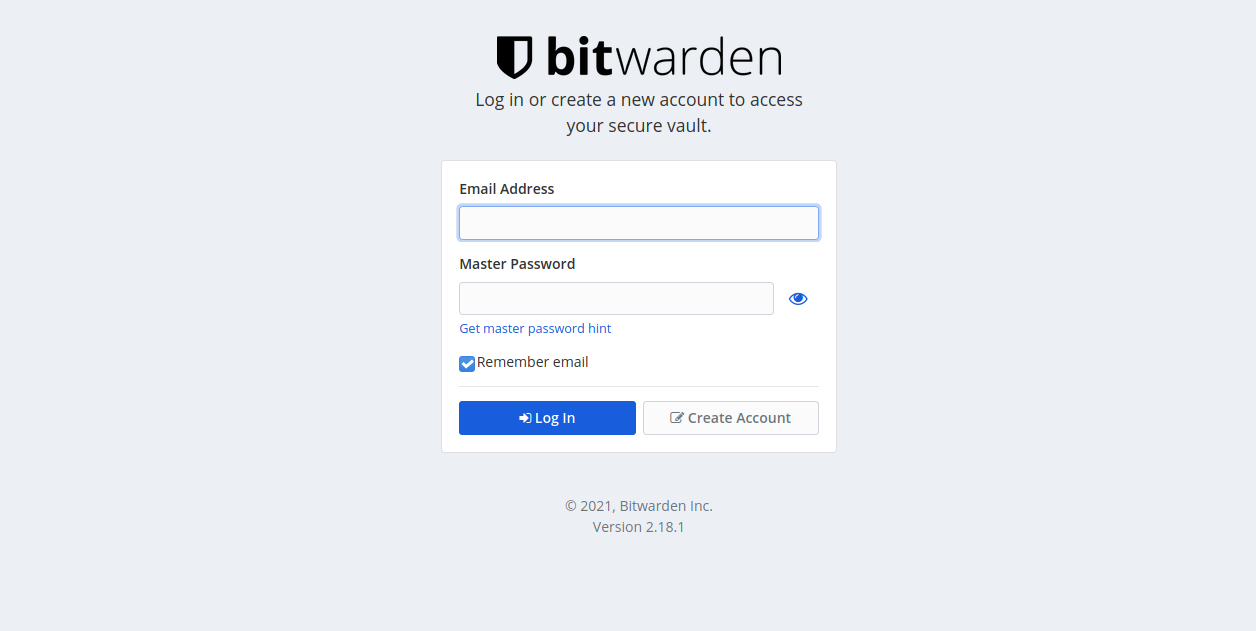
@reinob commented on GitHub (Feb 11, 2021):
Your reverse proxy config looks incomplete.
Why don't use use the one in https://github.com/dani-garcia/bitwarden_rs/wiki/Proxy-examples (Nginx, by shauder).
This works just fine on my Raspberry Pi 4 (running debian).
@hwittenborn commented on GitHub (Feb 11, 2021):
I added the following to
location /, still no luck --proxy_set_header X-Real-IP $remote_addr;proxy_set_header X-Forwarded-For $proxy_add_x_forwarded_for;proxy_set_header X-Forwarded-Proto $scheme;I also added this part; again, no luck.
location /notifications/hub/negotiate {proxy_pass http://<SERVER>:80;}I've omitted everything else as it doesn't seem to be of any value to me.
I do remember it working before with the "minimal config" I had set - but when I changed some DNS settings in Cloudflare(changed it from proxying to direct connection) all these issues started popping up. For some reason though this kind of issue is only happening with bitwarden_rs and nothing else I'm running.
@hwittenborn commented on GitHub (Feb 12, 2021):
Checking a few things now, and it appears the issue is happening when returning to Cloudflare as well - I guess something was just cached or something, and thus hiding the problems from me for a while.
@hwittenborn commented on GitHub (Feb 12, 2021):
Some more stuff:
The admin page is also all janky - it's like something isn't loading or something. All I get is HTTP 200 codes in the Firefox Dev Console, but I'm also noticing the following directories aren't available through NGINX(but are through a direct connection):
/app/vendor.db46b82e007a606bb83b.js/app/main.db46b82e007a606bb83b.jsStill can't think of why in all of this though