mirror of
https://github.com/kmaasrud/awesome-obsidian.git
synced 2026-04-29 17:57:58 -05:00

5.1 KiB
5.1 KiB

A curated list of awesome themes and plugins for Obsidian.
Table of contents
Handy tools
| Name | Description | Credits |
|---|---|---|
| Markdownload | A Firefox and Google Chrome extension to clip websites and download them into a readable markdown file. | deathau |
| Copy Selection as Markdown | Firefox add-on to copy a selection or link as formatted Markdown | 0x6b |
| Notion to Obsidian converter | Simple script to convert exported Notion notes to Obsidian | connertennery |
Themes
Most themes should be available through the Community Themes pane in Obsidian's settings. If not, enable Custom CSS under Plugins, download obsidian.css from the desired repository and place it in the vault root.
| Name | Description | Image | Credits |
|---|---|---|---|
| Dracula | A dark theme for Obsidian. | 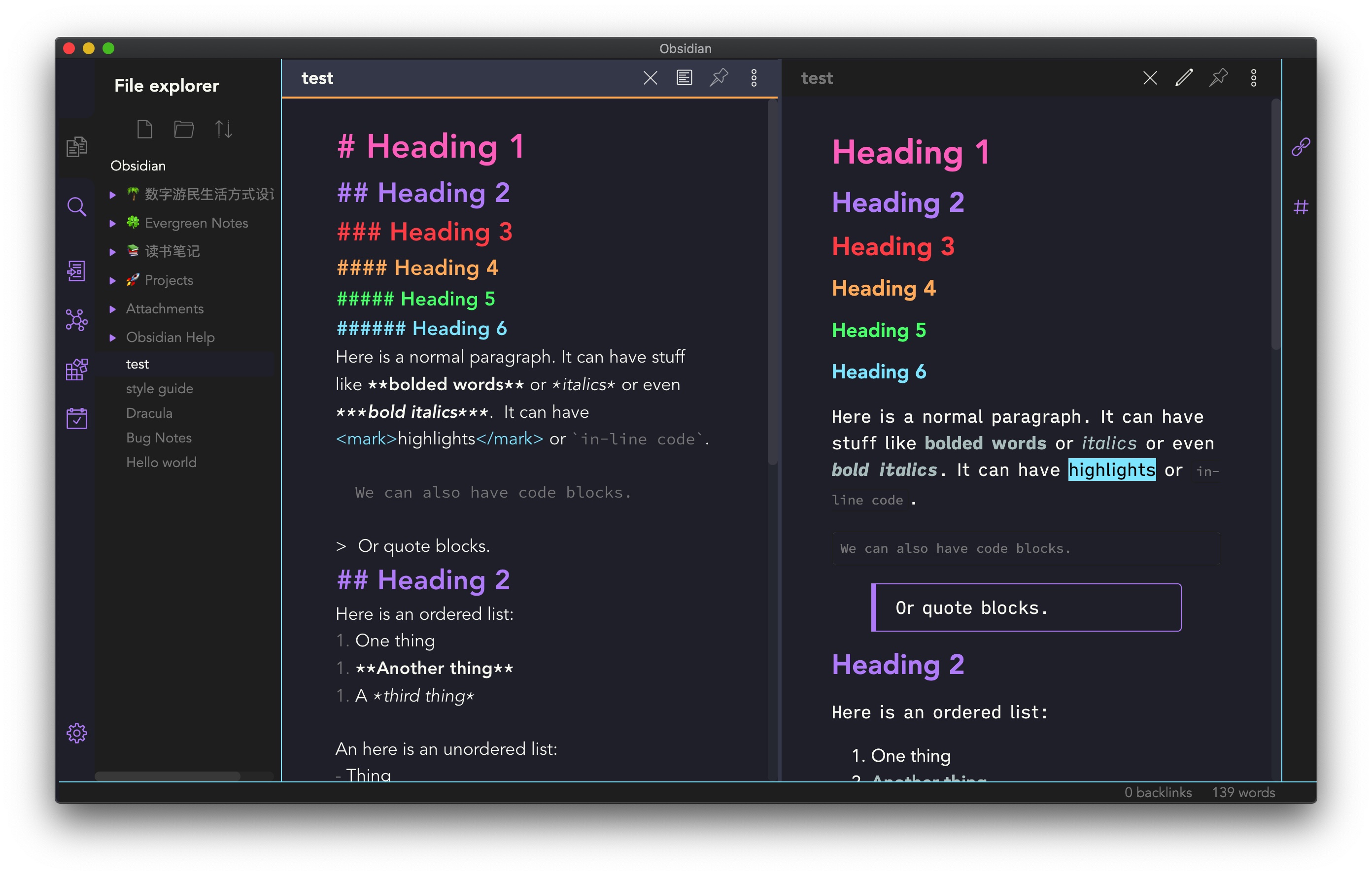 |
jarodise |
| 80s Neon | A retro-future 80s inspired theme for Obsidian. | 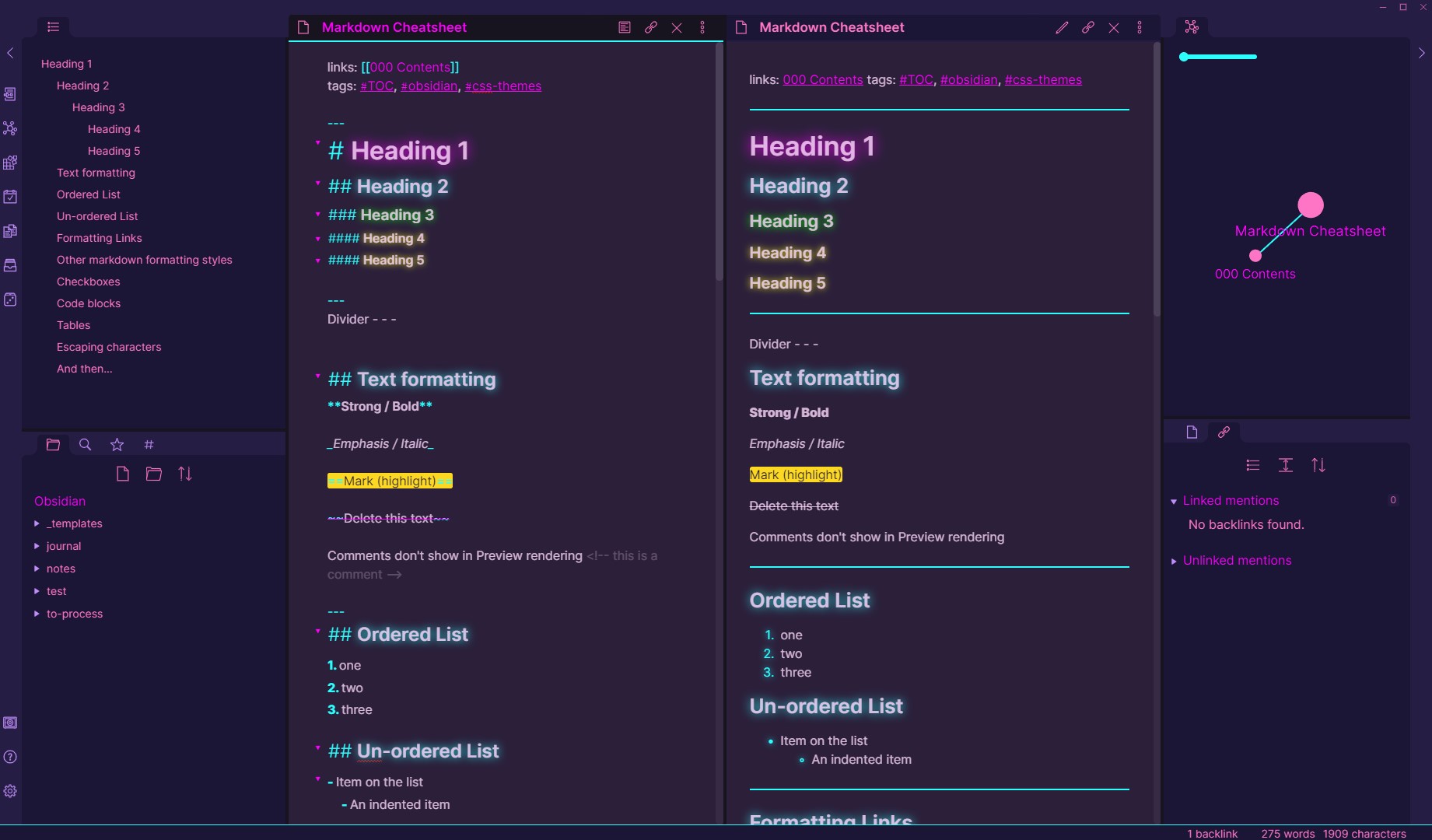 |
deathau |
| Base2Tone | A theme for Obsidian based on http://base2t.one/ with default hues from http://simurai.com/duotone-dark-sky-syntax/. | 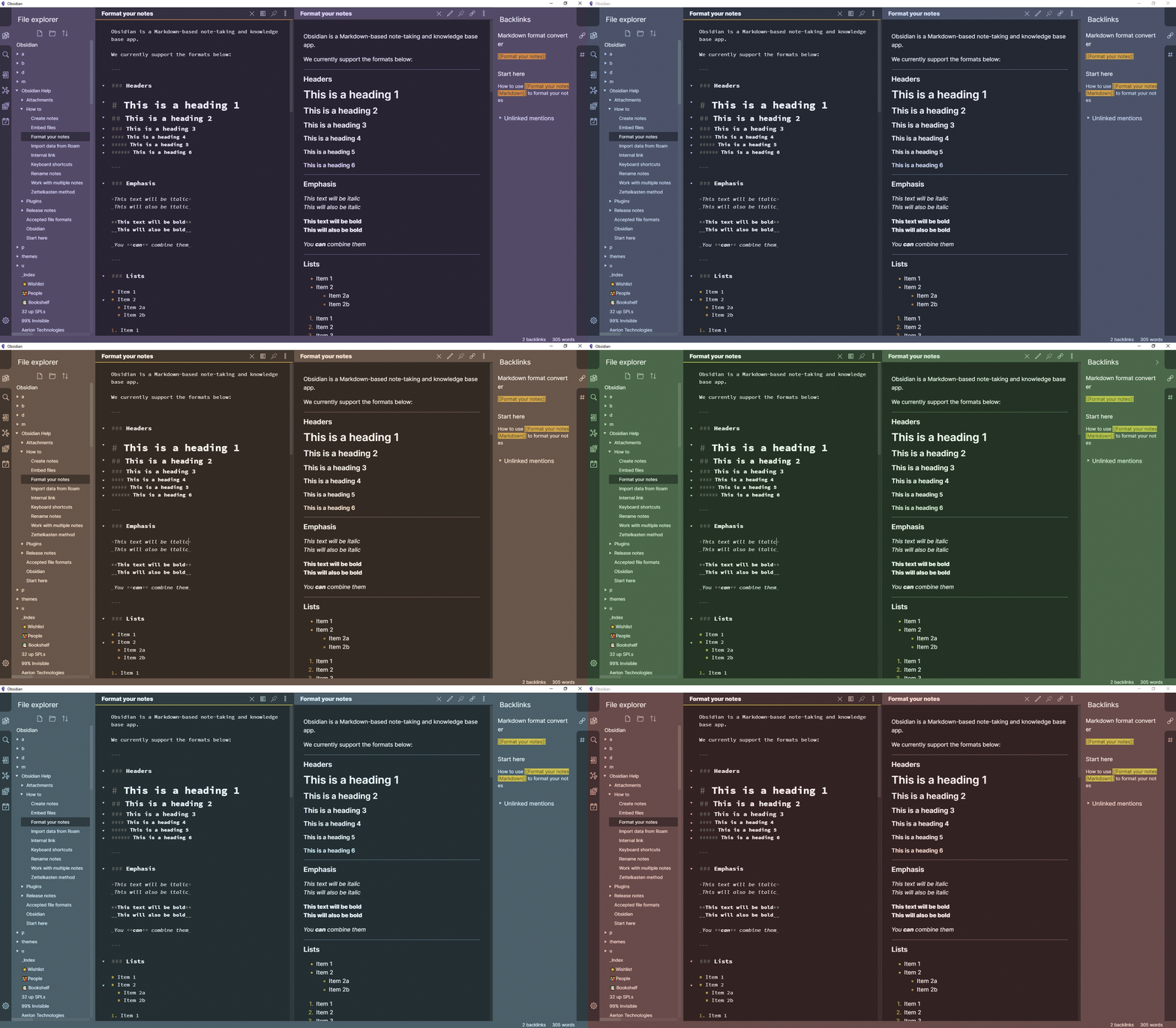 |
deathau |
| Clean theme | A minimal and clean theme designed to be clutter-free and easy on the eye. |  |
kmaasrud |
| OneDark Theme | This theme is based on One Dark Pro and One Dark Pro is based on Atom's default One Dark theme. Currently only supports Dark mode. | 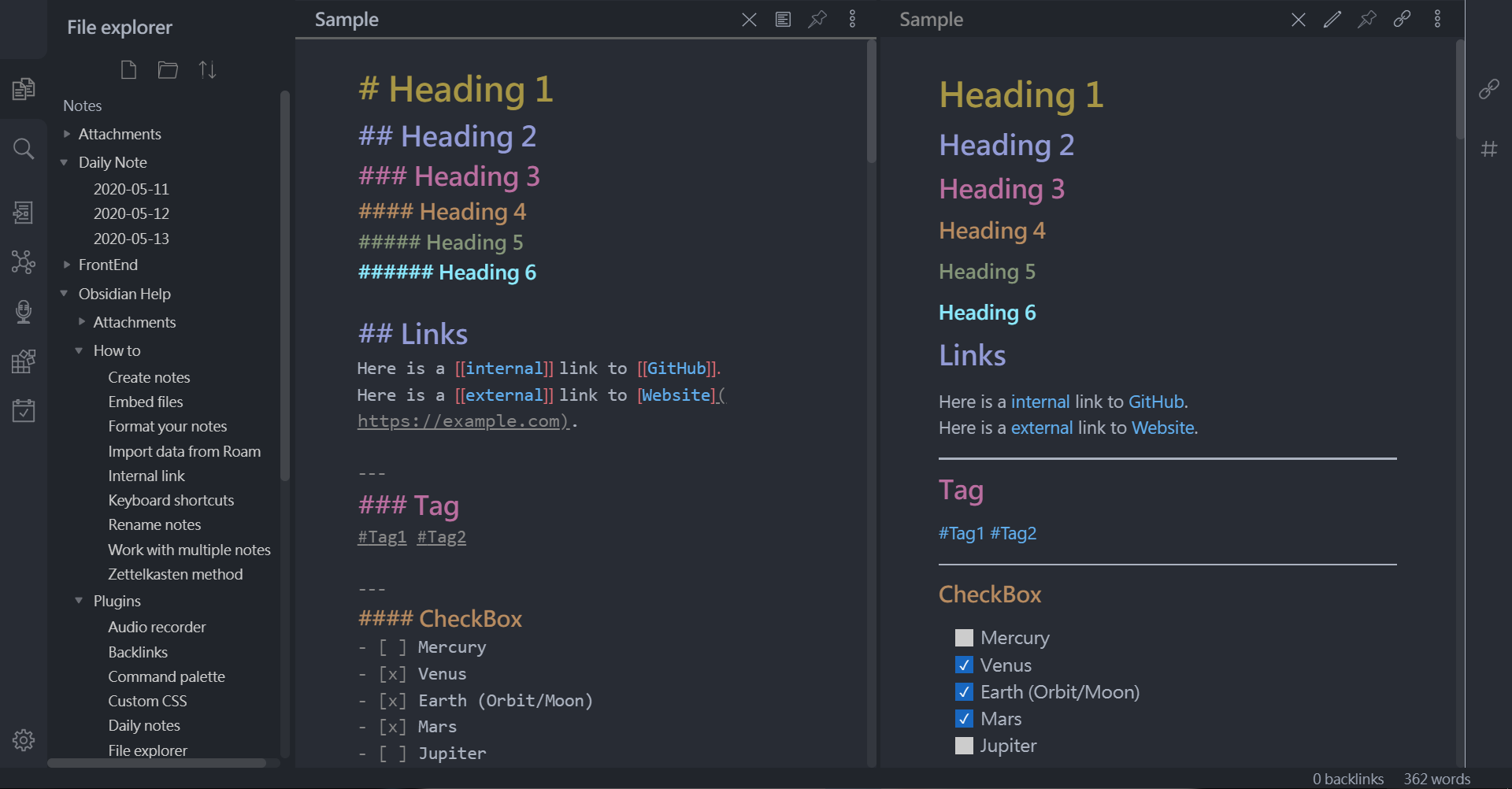 |
pionxzh |
| Comfort Color Dark Theme | A dark theme for Obsidian. | 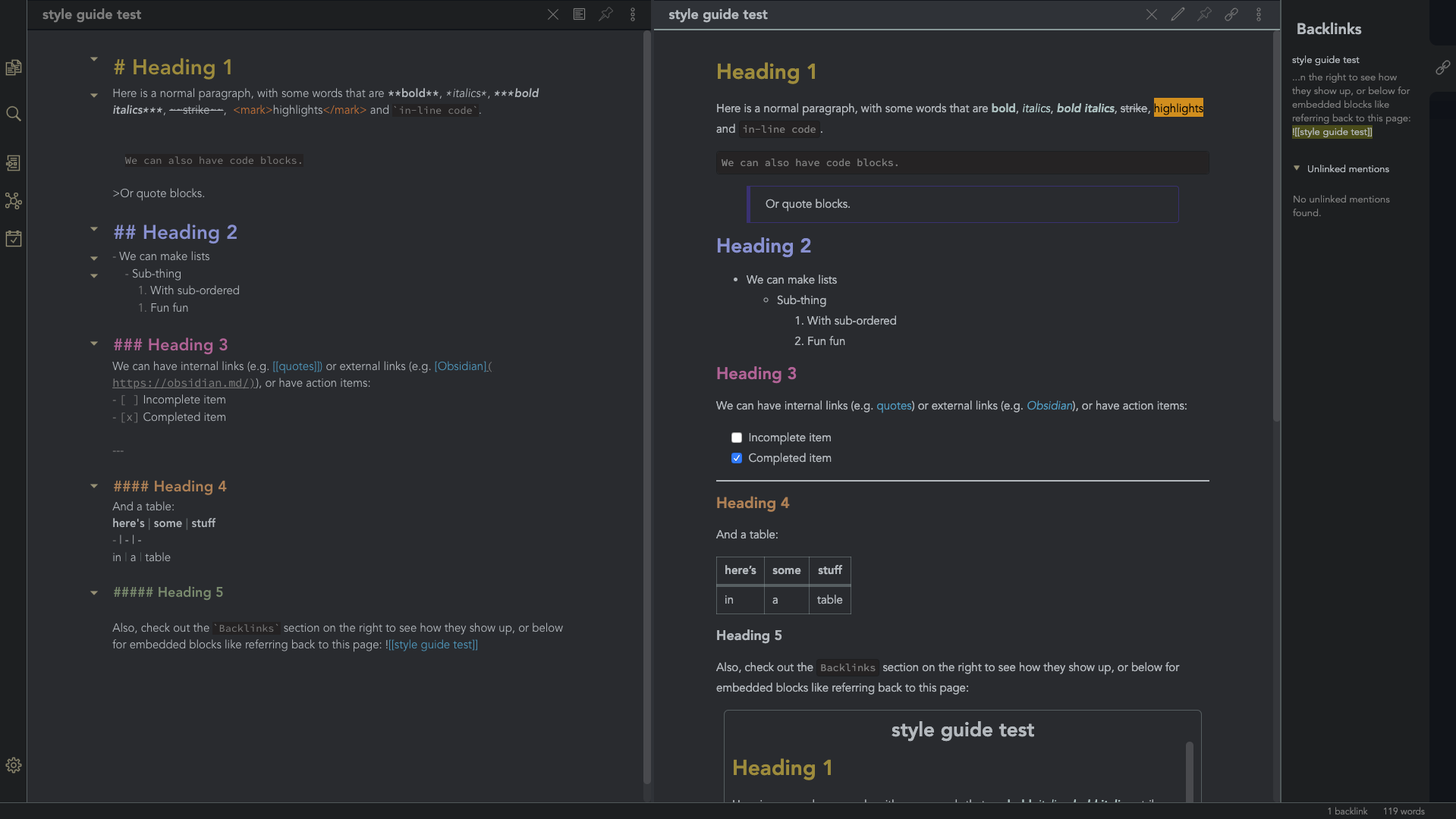 |
obsidian-ezs |
| Gruvbox Theme | This is a gruvbox theme for Obsidian. It supports both light and dark modes. | 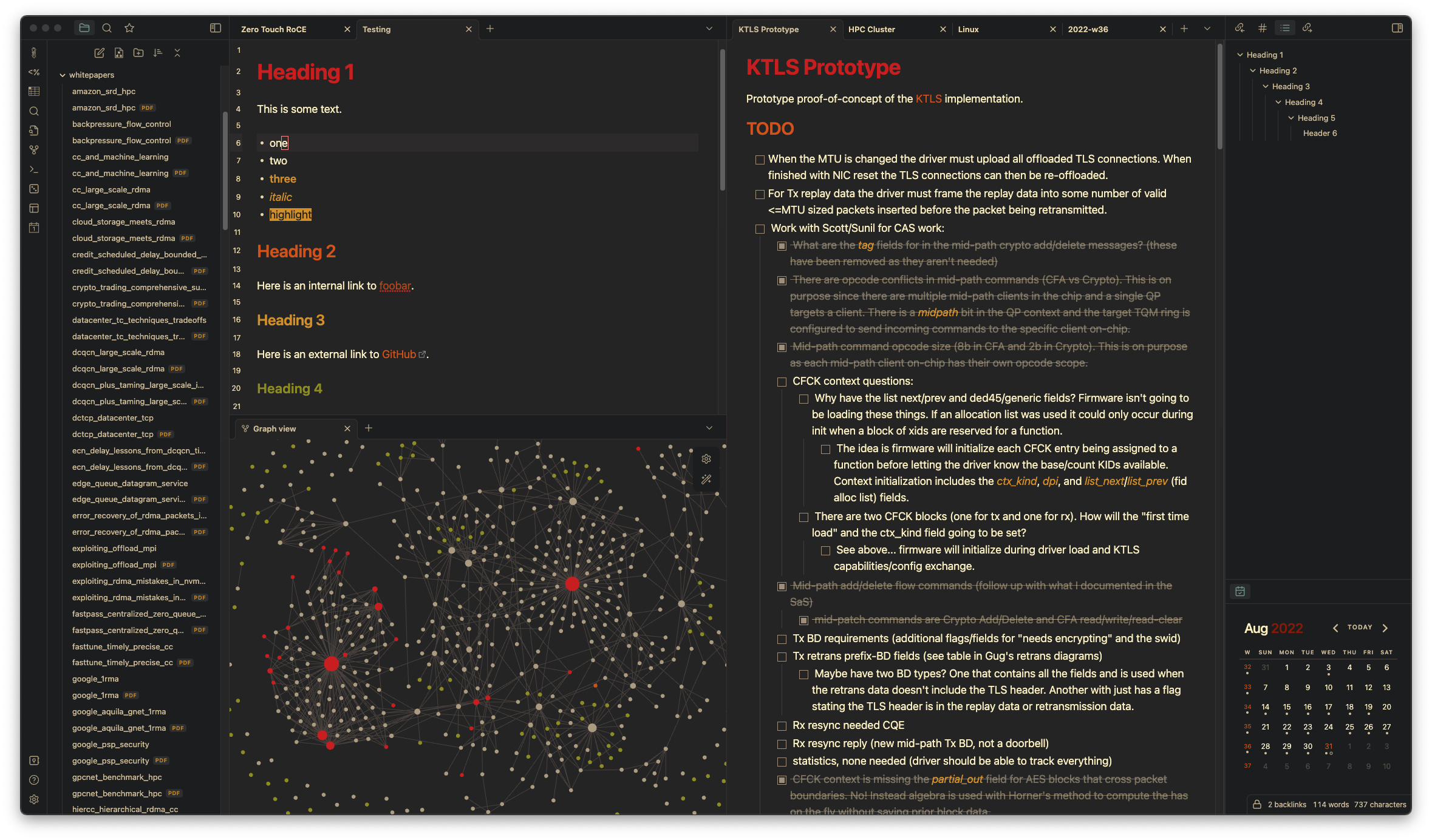 |
insanum |
| Gastown | A light theme for Obsidian. | 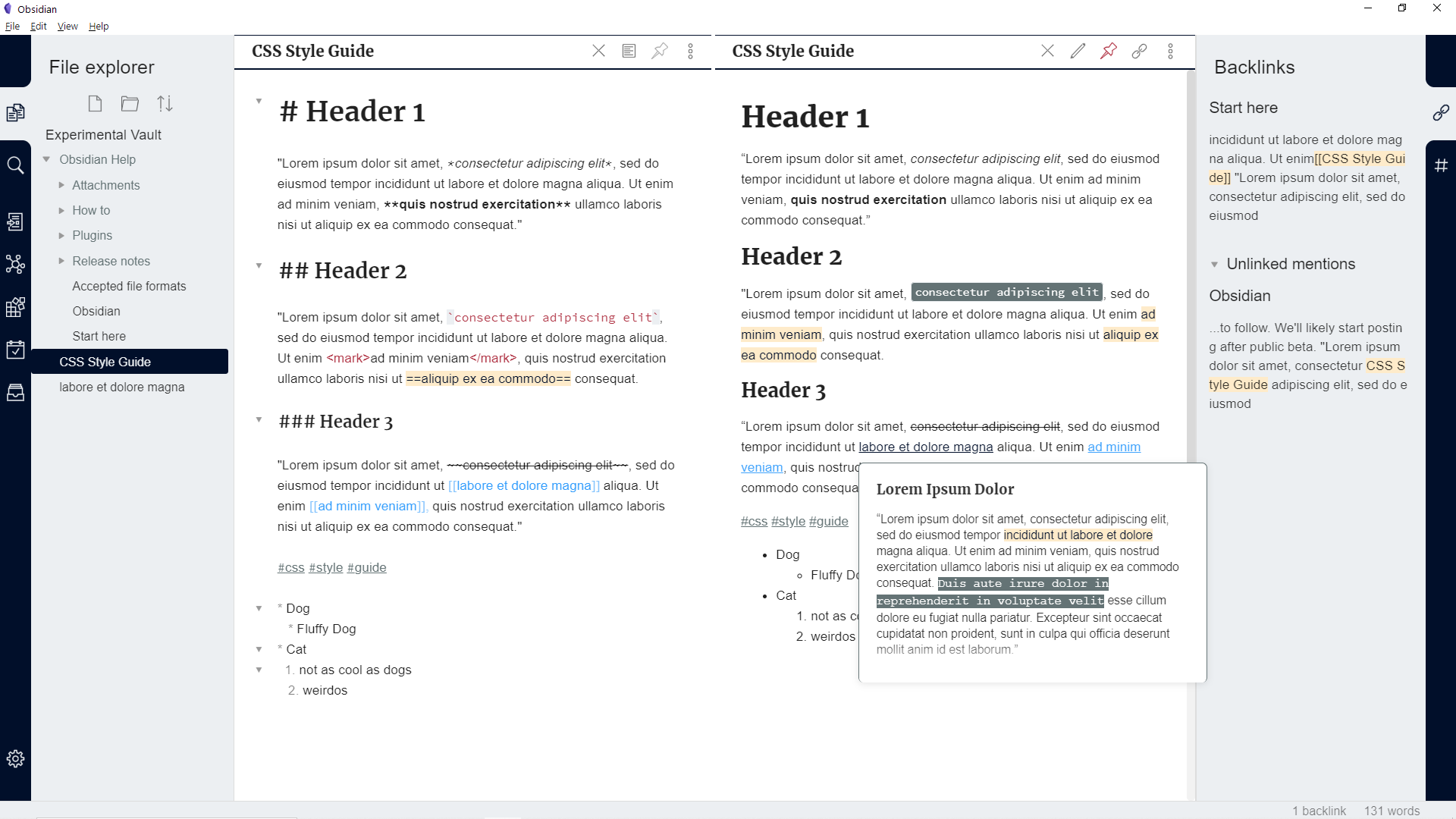 |
dogwaddle |
| Ursa | A light and dark theme for Obsidian featuring "zen mode" with collapsing side panels and improved single pane viewing. | 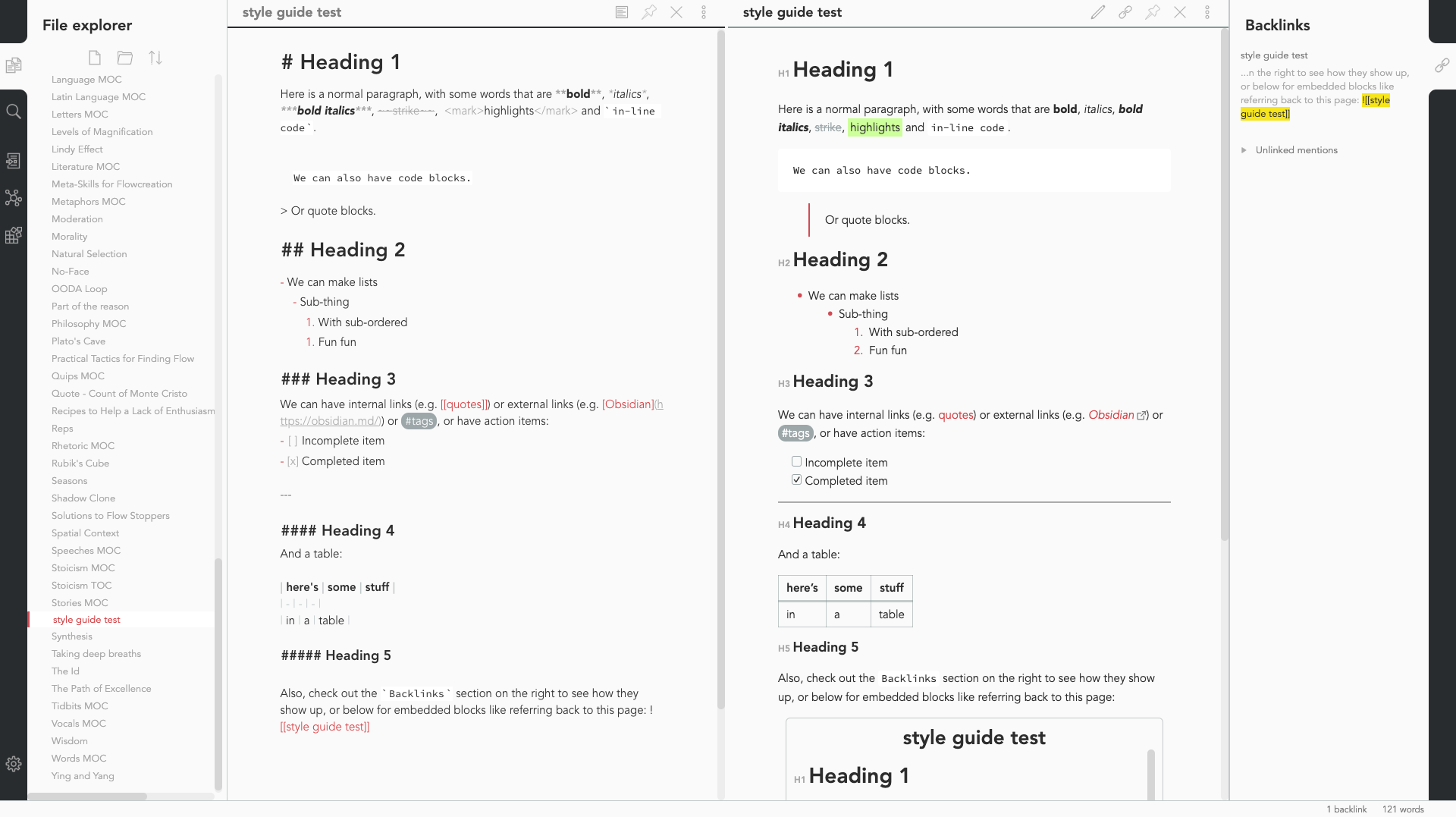 |
obsidian-ezs |
| Obsidian Solarized | This is just a recolor based on the solarized color scheme. |  |
Slowbad |
| Red Graphite | A light theme for Obsidian, based on Bear.app's Red Graphite theme. |  |
seanwcom |
| Obsidian + Nord | A Nord-based theme for Obsidian, only supporting dark mode |  |
insanum |
CSS Tweaks
Small tweaks to add to your obsidian.css file
Andy Matuschak mode
.workspace-split.mod-vertical { overflow-x:auto; }
.workspace-leaf, .workspace-split > .workspace-split { min-width: 500px; min-height: 500px; }
.workspace-split.mod-horizontal { overflow-y: auto; }
Credits to deathau
Collapsing sidebar
.side-dock-ribbon.mod-left.is-collapsed:not(:hover), .side-dock-ribbon.mod-right.is-collapsed:not(:hover) {
  width: 15px !important;
  opacity: 0;
}
.side-dock-ribbon {
  transition-property: width, opacity;
}
Credits to kmaasrud